Service 04 · Train
Workshops, Training & Skill Transfer
Know-How That Stays With Your Team.
Software only pays off when the people using it understand it. SEPM runs practical workshops and training sessions on your own GIS data — from the first steps in SEPM X-Translator to configuring mappings, running imports and exports and checking the results — so your team can work independently and get more out of its tools.



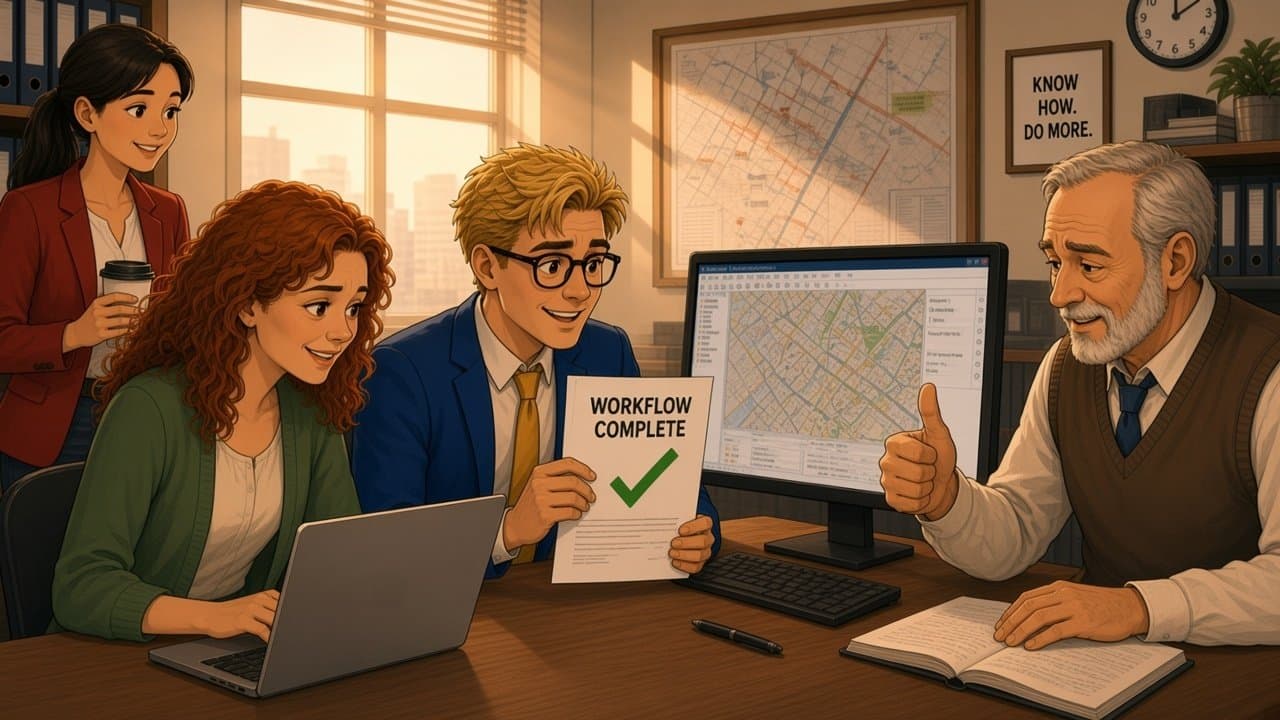
A new workflow, and nobody is quite sure how it works.
Manuals, guesswork and trial and error.
SEPM trains your team, on your own data and workflows.
Hands-on, at your own workstation, step by step.
From “How do we do this?” to “We can do it ourselves.”
Scope
What We Teach.
Four training formats, combined to fit your team, your systems and your data.
Hands-On Workflow Workshops
Your own data and real tasks at the workstation: importing, transforming, checking and exporting GIS data step by step, with a SEPM trainer beside you.
- Your data
- Small groups
- On-site · Remote
Product & Interface Training
Operating SEPM X-Translator and the standard interfaces for INTERLIS, ISYBAU and SIA 405 — from the first transfer to everyday routine.
- X-Translator
- INTERLIS
- ISYBAU
- SIA 405
Configuration & Administration
Building and maintaining mappings, transfer profiles, value mappings and scheduled jobs, so your team can adapt workflows when requirements change.
- Mappings
- Transfer profiles
- Value mapping
- Batch jobs
Skill Transfer & Handover
Project knowledge handed over when a development or migration goes live: documented workflows, checklists and follow-up sessions, with SEPM support on hand for questions.
- Documentation
- Checklists
- Follow-up
- Support
Workshop formats
How Our Workshops Work.
01Onboarding
For teams starting with SEPM X-Translator
From the first transfer to daily routine
New users become productive fastest when they learn on the data they actually work with, not on a generic demo.
- X-Translator
- Auto mapping
- Transfer profiles
How it runs
A practical introduction built around one of your real data exchanges.
- 1Setup — installation, licences and the connection to your GIS environment checked together.
- 2First transfer — a real import or export carried out step by step on your own data.
- 3Mappings — automatic, value and fixed mappings explained on your own data model.
- 4Routine — transfer profiles saved so the workflow can be repeated with one click.
Outcome
Your team leaves with a working workflow on its own data.
02Standards & interfaces
For network documentation and data exchange teams
INTERLIS, ISYBAU and SIA 405 in practice
Standard exchange formats come with versions, models and validation rules that are easy to get wrong.
- INTERLIS 2.3
- ISYBAU
- SIA 405
- DXF
How it runs
A focused workshop on the interface your team uses, with your own export and import files.
- 1Models — the relevant standard model and its versions explained in plain terms.
- 2Export — a complete export run and checked against the model.
- 3Errors — typical import and validation errors analysed and resolved together.
- 4Rules — a checklist for recurring deliveries and for data from contractors.
Outcome
Fewer failed deliveries, and a team that knows why errors happen.
03Skill transfer
For teams taking over a SEPM project
Handover after development or migration
When a custom module, mapping or automated exchange goes live, the knowledge behind it should not stay with the project team.
- Custom modules
- Batch jobs
- Documentation
How it runs
A structured handover that turns project knowledge into team knowledge.
- 1Walkthrough — the solution explained on the live system, step by step.
- 2Practice — your team operates and adjusts the workflow while SEPM looks on.
- 3Documentation — workflows, parameters and checklists handed over.
- 4Follow-up — a check-in session once the team has worked on its own.
Outcome
Your team runs the solution itself, with SEPM support as backup.
Capabilities
What Training Delivers.
- Learning by doing
- Technical approachSmall groups working at the workstation on their own GIS data and real tasks
- Benefit to youSkills that carry straight over into daily work.
- Independence
- Technical approachConfiguration of mappings, profiles and jobs taught — not just operation
- Benefit to youWorkflows adapted in-house when requirements change.
- Data quality
- Technical approachValidation, error analysis and checklists for imports, exports and deliveries
- Benefit to youFewer failed transfers and less rework.
- Continuity
- Technical approachDocumented workflows, handover sessions and SEPM support for follow-up questions
- Benefit to youKnow-how that stays in your organisation.