
Service 01 · Build
Software Development, Customization & Module Integration
Software Built Around Your Data Model.
Out-of-the-box software rarely matches the way a utility actually works. SEPM extends its core engine — primarily the SEPM X-Translator framework — to connect Smallworld GIS with external systems, CAD environments and regulatory reporting standards, without changing your core database structure.
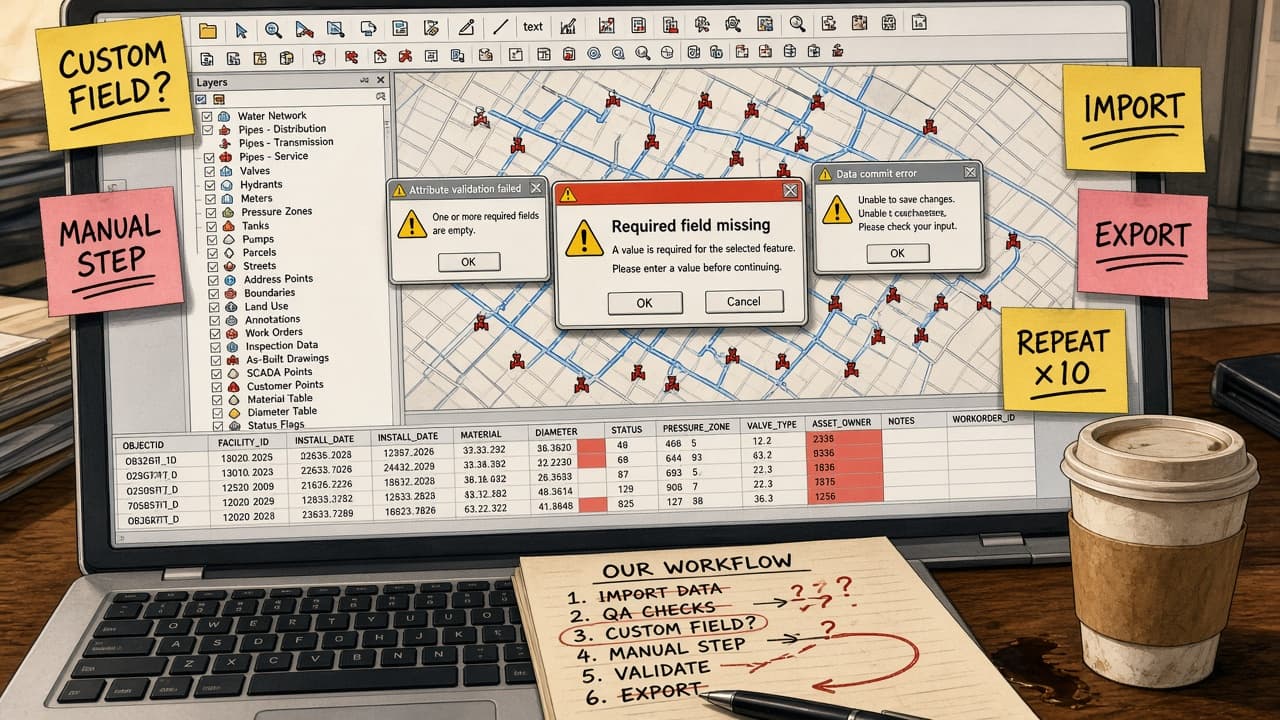



The standard software doesn't fit your workflow.
Missing fields. Manual steps. Endless repeats.
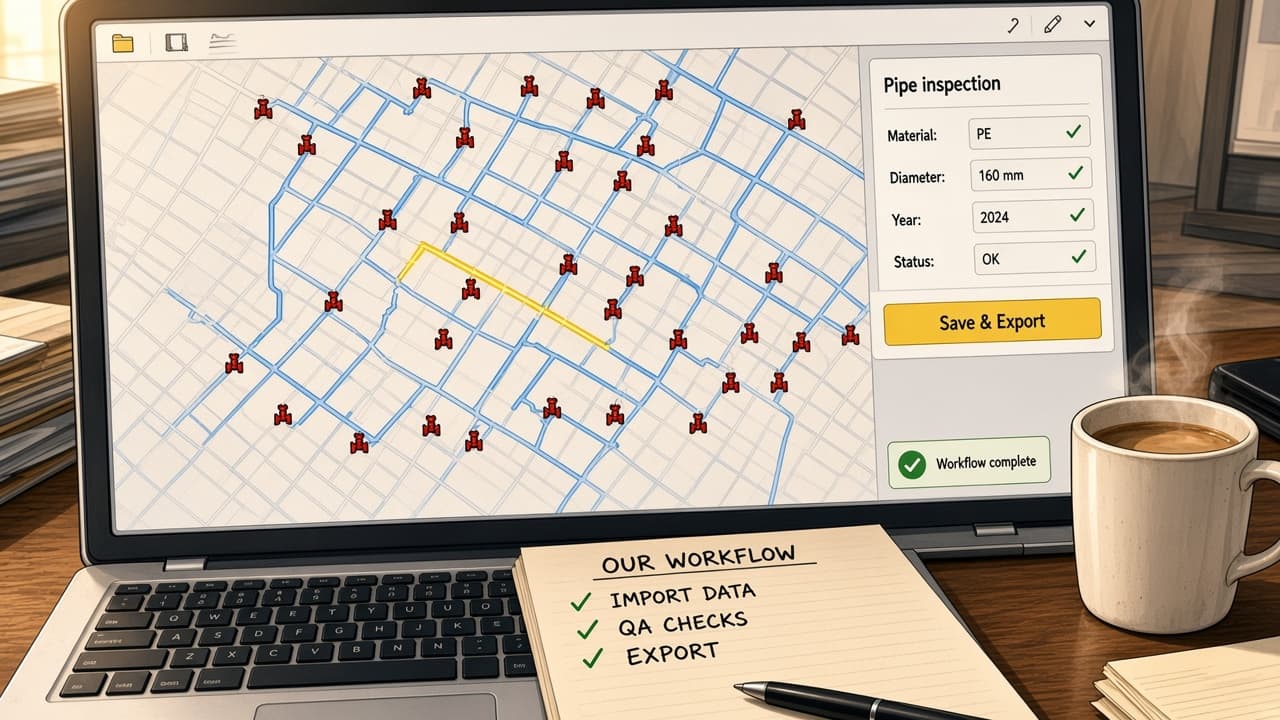
SEPM tailors the software to the way you work.
One focused panel. The right fields. One click.
Your workflow is unique. Your software can be too.
Scope
What We Build.
Our development work spans three areas, often combined within a single project.
Magik Module Engineering
Proprietary Smallworld Magik code and customer-specific modules that extend standard X-Translator behaviour to match your data model and workflows.
- Magik
- x_translator_customer_*
XML & Configuration Mapping
Complex external schema definitions — ISYBAU, INTERLIS, SIA 405 — translated into Smallworld database representations through XML mapping rules and Magik transformation routines.
- ISYBAU
- INTERLIS
- SIA 405
Custom UI & Automation
Streamlined user interfaces such as SEPM Simple GUI and automated background services that reduce manual effort for operators and let non-specialists run complex imports and exports.
- SEPM Simple GUI
- Batch
- APIs
Capabilities
How It Works — and What It Changes.
- Data schema mapping
- Technical approachXML mapping rules and Magik transformation routines
- Benefit to youThird-party and regulatory formats bridged to Smallworld without altering the core database.
- Spatial algorithms
- Technical approachAutomated stationing, 3D pipe sole calculation and buffer generation
- Benefit to youNo more manual drafting of new pipe connections or safety corridors.
- Data integrity & audit
- Technical approachDifferential attribute updates and transaction logging
- Benefit to youNo unwanted overwrites — and a full history of every change.
- User experience
- Technical approachDedicated SEPM Simple GUI configurations
- Benefit to youNon-technical staff run complex imports and exports with one click.